
Shopify Currency Converter
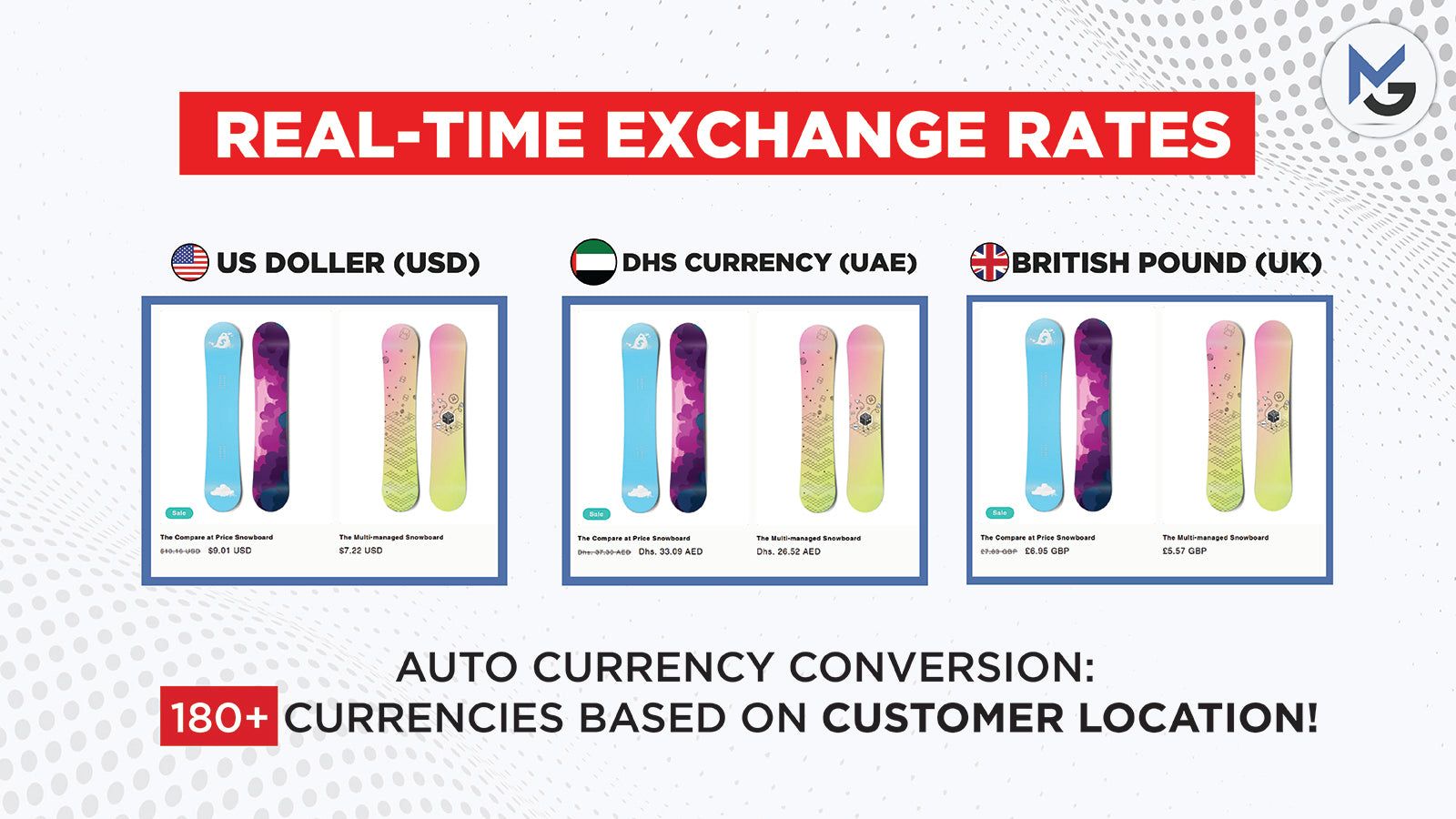
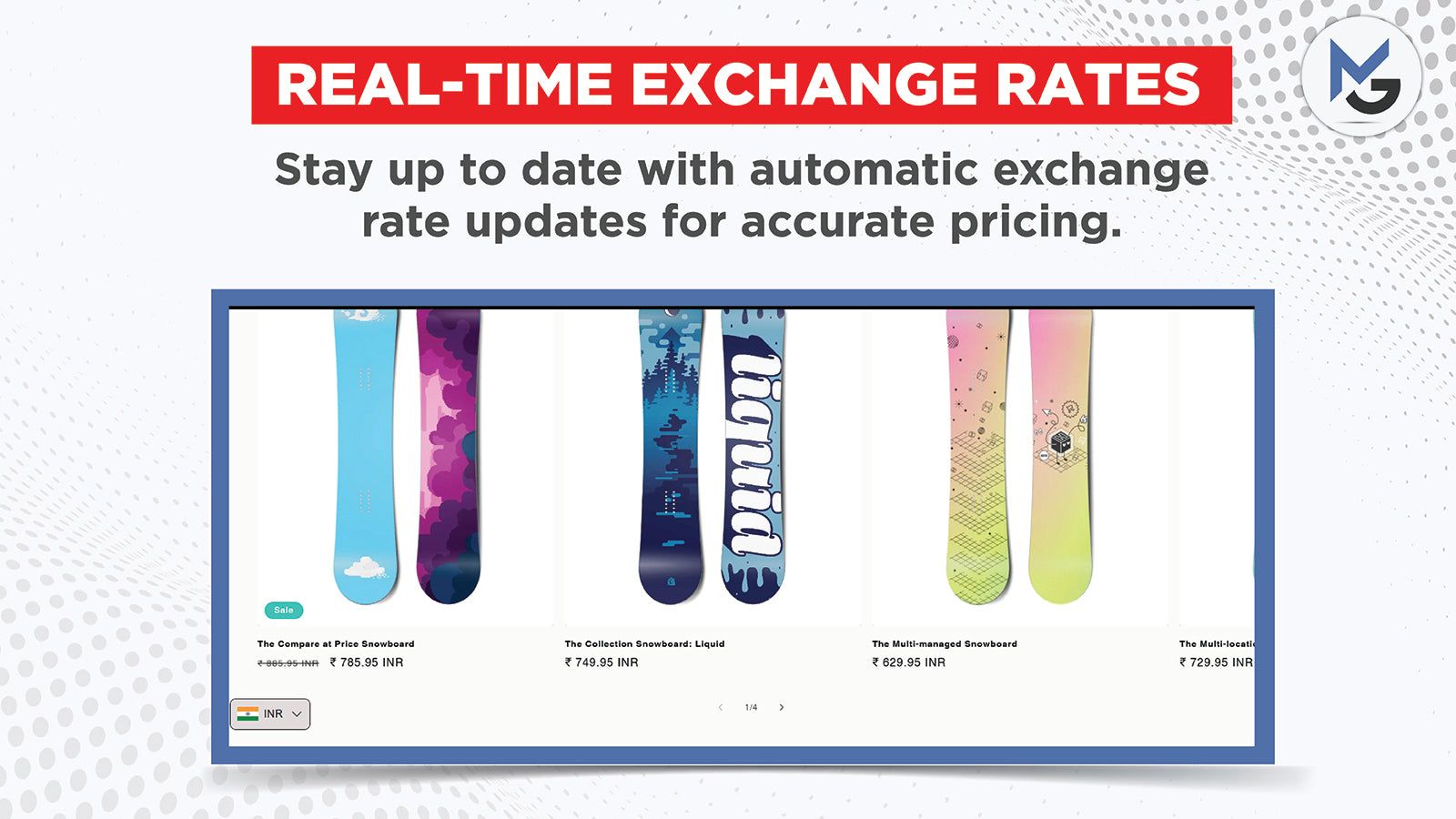
Make international shopping easier with a Shopify currency converter that helps customers view prices in a familiar currency. Lumoonix provides a focused solution for merchants who want clearer international pricing, flexible currency presentation, and a smoother storefront experience.


Why Currency Conversion Matters
For international shoppers, seeing prices in an unfamiliar currency creates an avoidable layer of uncertainty. A currency converter can help customers understand product prices earlier in the buying journey and make comparisons more intuitive. For merchants selling across multiple markets, the currency experience should be considered alongside Shopify Markets, localization, shipping, taxes, payment methods, and checkout behavior.
Shopify Currency Converter Features
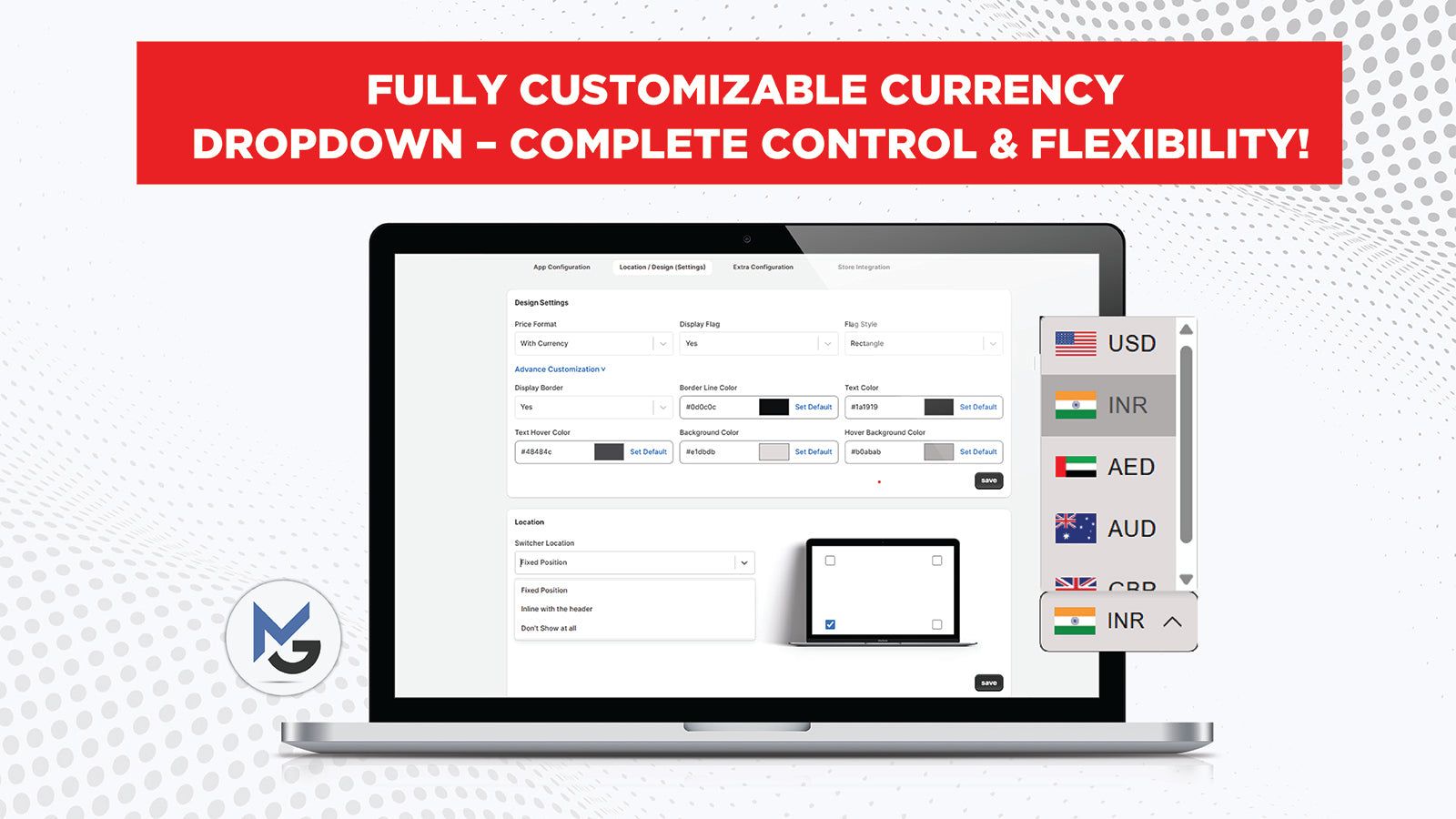
The Lumoonix Currency Converter is designed around the core requirements of multi-currency storefronts. Merchants can review supported currencies, geolocation behavior, rounding settings, and switcher design options. These controls help you present prices in a way that fits your brand while making the experience easier for shoppers in different markets.
See MG ‑ Currency Converter Pro in Action
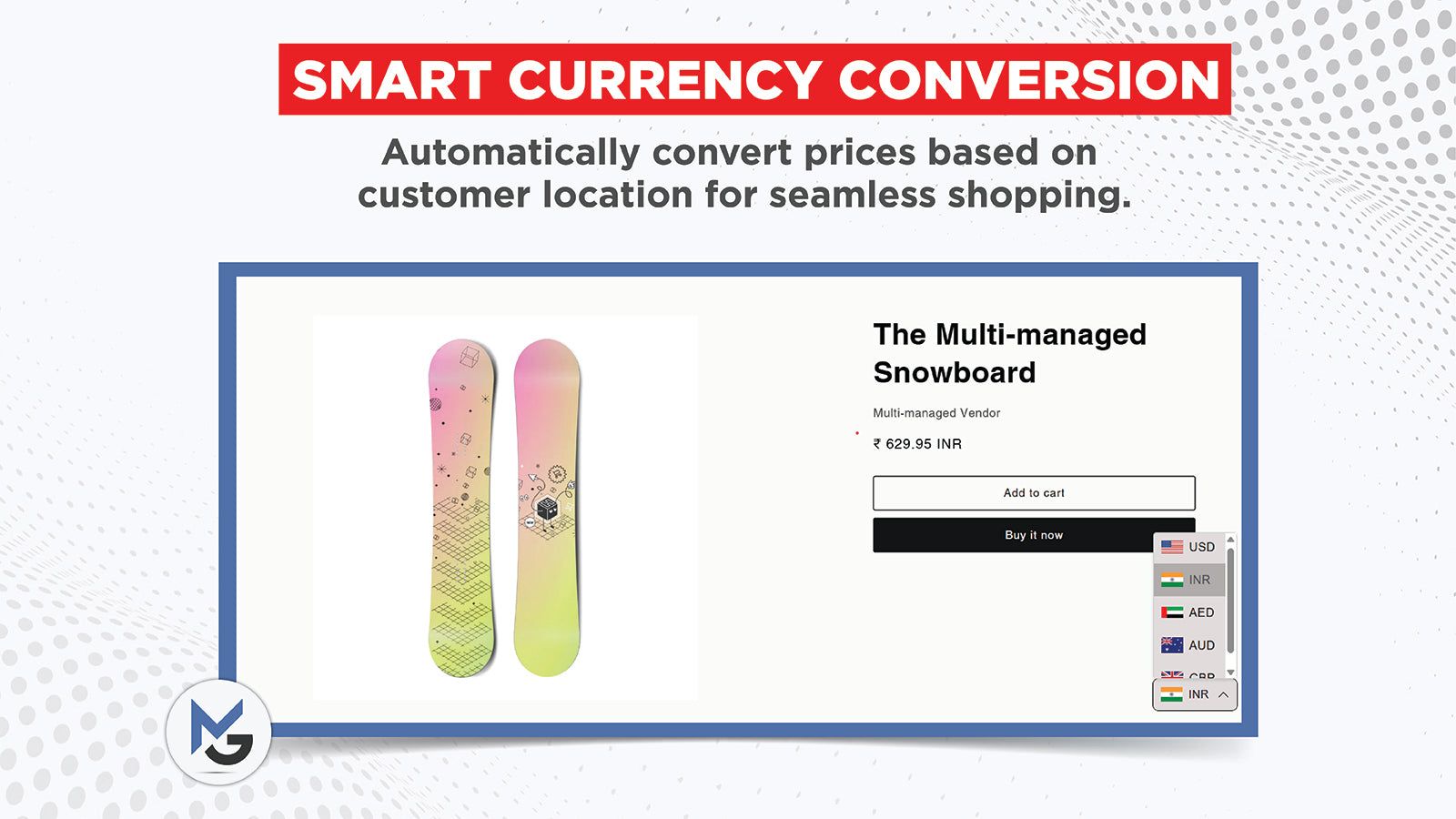
Screenshots from the app's Shopify App Store listing.
Multi-Currency Done Right
Geolocation and Currency Selection
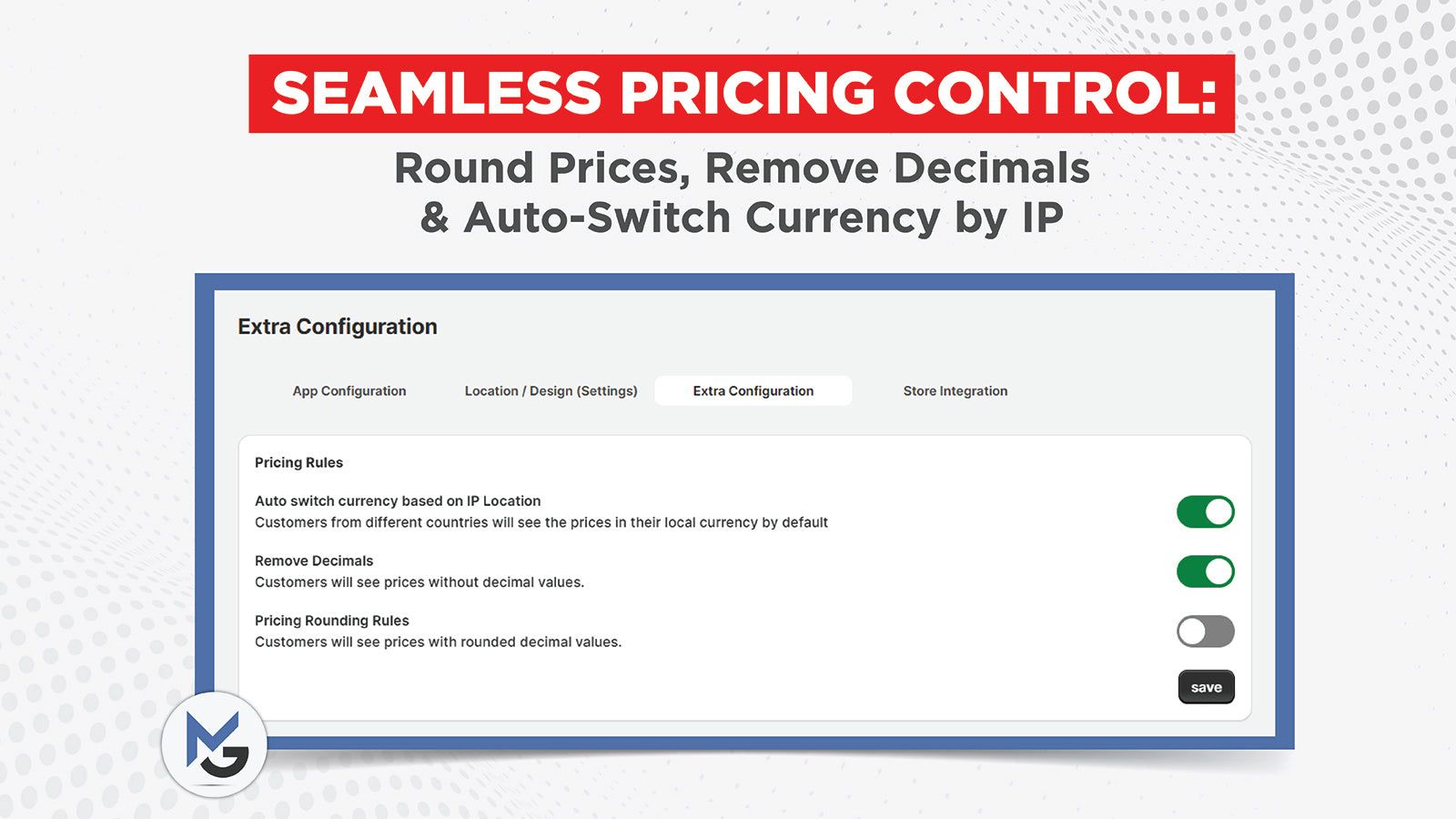
Automatic currency selection can reduce friction when a visitor arrives from another country, while a visible currency switcher gives shoppers control when automatic detection is not appropriate. Merchants should decide whether their preferred experience is fully automatic, user-selected, or a combination of both. The right approach depends on target markets, traffic patterns, and how the store handles localization.
Currency Rounding
Currency conversion can create prices with awkward decimal values. Rounding rules can help maintain a cleaner merchandising presentation and keep displayed prices consistent with the brand's pricing strategy. Merchants should define rounding carefully because even small changes can affect perceived pricing, margins, and consistency between product, cart, and promotional experiences.
Currency Converter and Shopify Markets
A currency converter should fit into the broader Shopify Markets setup rather than creating conflicting pricing logic. Before implementation, review how your store handles international domains, markets, localized pricing, payment methods, taxes, and checkout. The app page should be used to confirm current compatibility and any configuration requirements.
Designing the Currency Switcher
The switcher should be visible enough to be useful without competing with the primary purchase journey. Common placements include the header, footer, navigation, or dedicated market selector area. Merchants should consider mobile usability, accessibility, the number of currencies offered, and whether currency names, symbols, or ISO codes provide the clearest experience.
Benefits for International Stores
A clearer currency experience can improve price comprehension and reduce uncertainty for visitors outside the store's primary market. It can also support a more localized brand experience when combined with appropriate language, shipping, payment, and merchandising choices. Currency conversion is one part of international eCommerce—not a substitute for a complete localization strategy.
Implementation Best Practices
Test the converter across target countries, devices, and major storefront templates. Check product pages, collection pages, cart behavior, promotional messaging, and any custom sections where prices are rendered. Review how rounded values appear and verify that the selected currency remains consistent as shoppers move through the store.
Get Started
Review the supported currency list, geolocation settings, rounding controls, and switcher options on the current app listing. If your store has complex market requirements, Lumoonix can also help with Shopify development, localization, and integration work.
Plan It Right
International Currency Experience Checklist
A currency converter should be implemented as part of a complete international shopping experience. Start by listing the countries you actively target and the currencies that matter commercially. Decide how visitors will be detected and how they can manually change currency. Define rounding rules and check how prices appear on product pages, collection pages, quick views, cart drawers, and promotional components. Then review the relationship between displayed currency and Shopify Markets, payment methods, taxes, shipping, and checkout. Test the experience from multiple locations and on mobile devices. Make sure currency labels are unambiguous and that shoppers can easily understand which currency they are viewing. Finally, monitor conversion behavior by market so you can determine whether the localized experience is reducing friction and supporting international revenue.
Who Benefits From a Currency Converter
A currency converter is most relevant to stores that attract meaningful traffic from multiple countries or markets. It can be useful for brands expanding internationally, stores with cross-border demand, and merchants that want visitors to understand prices before reaching checkout. The feature is most valuable when it supports a broader localization strategy.
Simple, Transparent Plans
Current plans from the Shopify App Store listing.
Free
- Automatic conversion into 180+ local currencies by customer location
- Country flags, custom position and currency formatter
- Price rounding rules for clean, precise prices
- Works with Shopify Markets and non-Markets countries
- 24/7 assistance through meeting and email
Plans and pricing are managed on the Shopify App Store.
Frequently Asked Questions
How does a Shopify currency converter help international shoppers?
It gives shoppers a clearer understanding of product prices in a currency they recognize. This can reduce uncertainty earlier in the buying journey. Merchants should combine currency conversion with appropriate market, shipping, tax, payment, and localization strategies for a complete international experience.
Should currency selection be automatic?
Automatic selection can be convenient when the visitor's location is a reliable signal, but a manual switcher gives shoppers control. Many stores benefit from combining both approaches. The right choice depends on the markets served, customer behavior, and how the store manages localized experiences.
What currencies should I display?
Choose currencies based on your actual target markets and customer demand. Showing an unnecessarily long list can make the switcher harder to use. Review analytics, sales by geography, market priorities, and operational support before deciding which currencies should be available.
Does currency conversion change checkout currency?
That depends on the Shopify setup and implementation. Displaying a converted price and processing an order in a specific market currency are related but not identical requirements. Merchants should verify current Shopify Markets, payment, and checkout behavior before promising customers a particular transaction experience.
Can Lumoonix help with international Shopify stores?
Yes. Lumoonix can support currency, localization, Shopify development, technical SEO, UX, and integration requirements. For complex international stores, we recommend assessing the full market architecture rather than treating currency display as a standalone feature.
Key Benefits
A clear currency experience improves price comprehension and can make an international storefront feel more familiar. It is a relatively focused improvement that can support broader market expansion when combined with localized content, shipping, payments, and market-specific merchandising.
Related Resources
Ready to Get Started?
International shoppers should not have to guess what a product costs. A well-designed currency experience makes pricing easier to understand while fitting into your wider Shopify Markets strategy. Review the current app capabilities and, for more complex requirements, work with Lumoonix on a complete international storefront solution.